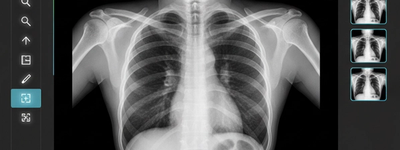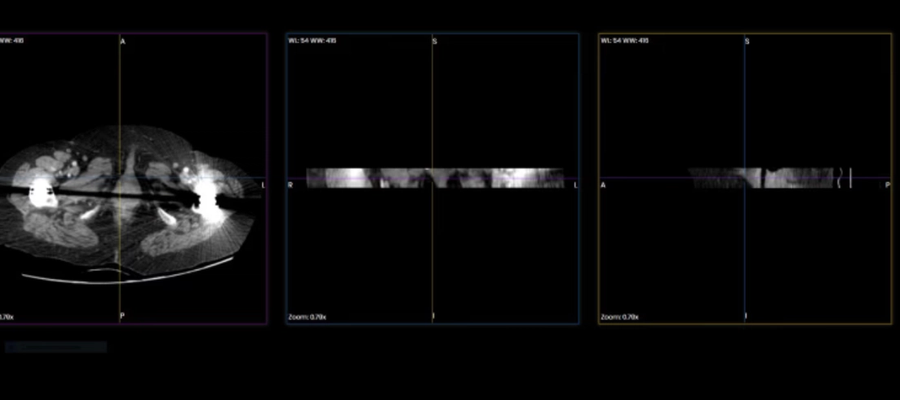
Top 5 Best Online DICOM Viewer to Open your Medical Images
2/13/2026
If you work with medical imaging - whether as a radiologist, medical student, clinician, or researcher - having a reliable DICOM viewer is essential. DICOM (Digital Imaging and Communications in Medicine) is the universal format used for storing and transmitting medical images like CT scans, MRIs, ultrasound files, and more. While professional imaging software can be costly, several excellent free DICOM viewers let you open, view, and analyze your medical images without spending a dime.
In this article, we’ll walk through the best free DICOM viewer tools available today, their key features, and which use-cases they’re best suited for.
The Best Free DICOM Viewers
1. DICOM-Viewer online - Your best option
If you want quick access to your DICOM files without installing software, DICOM-Viewer.online is one of the easiest options. This web-based viewer lets you upload your medical images and view them directly in a browser — no downloads, no plugins.
Key Features
- Fully online — works on Windows, macOS, Linux, and mobile
- Quick drag-and-drop upload for DICOM files
- Standard viewing tools: zoom, pan, window leveling
- Supports multi-frame and series browsing
- Useful for sharing images with colleagues
Best for: Users who need a simple, platform-independent viewer without complicated setup.
2. RadiAnt DICOM Viewer — Fast & Intuitive Desktop Viewer
RadiAnt DICOM Viewer is a popular choice for clinicians and students looking for a lightweight and responsive viewer. Although there is a paid license, a free fully functional trial is available, which many users find sufficient.
Key Features
- Clean, easy-to-use interface
- 2D and MPR views (multi-planar reconstruction)
- Cine loop playback for dynamic series
- Measurement and annotation tools
- DICOM CD/DVD export
Best for: Clinicians who want fast desktop performance and strong visualization tools without complexity.
3. Weasis — Feature-Rich Open-Source Viewer
Weasis is a powerful open-source DICOM viewer that runs on multiple platforms: Windows, macOS, Linux, and even in web environments. It’s widely used in hospitals and clinics worldwide.
Key Features
- Advanced layout and viewing modes
- Multi-study and multi-series visualization
- Customizable tool panels
- Plugin support
- Integration options for PACS
Best for: Users who need a robust, customizable, and expandable viewer — especially in institutional or research settings.
4. OsiriX Lite — Mac-Exclusive DICOM Viewer
Specifically for macOS users, OsiriX Lite is a powerful free version of the well-known OsiriX viewer. While the Lite version has some limitations (e.g., fewer advanced modules), it remains a strong choice for everyday medical imaging.
Key Features
- Smooth macOS integration
- 2D, 3D, and 4D series support
- Annotation, measurements, and editing
- Navigation through large studies
Best for: Mac users who want a native and polished DICOM experience.
5. 3D Slicer — Open-Source Visualization & Analysis
While not a traditional viewer, 3D Slicer is an advanced imaging platform that goes far beyond simple viewing. It’s free, open-source, and designed for visualization, biomedical research, and quantitative analysis.
Key Features
- 2D, 3D, and 4D imaging
- Volume rendering and segmentation
- Plugins for specific workflows
- Extensive analysis tools
Best for: Researchers and clinicians needing deep analysis, 3D reconstruction, or advanced image processing.
Final Words
Whether you need a browser-based utility or a full desktop suite, there are excellent free DICOM viewers available for all skill levels. Tools like DICOM-Viewer.online make accessing images effortless, while software like 3D Slicer opens up powerful possibilities for imaging research and analysis.
No matter your role in medical imaging — student, clinician, or researcher — these free solutions make it easy to open, view, and work with your DICOM files.